Meta Ads Step-by-Step Setup Guide: Launch Your First High-ROAS Facebook & Instagram Campaign
Complete step-by-step blueprint to configure Meta Business Manager, set up Meta Pixel & CAPI tracking, structure Advantage+ campaigns, and launch profitable Facebook & Instagram ads.
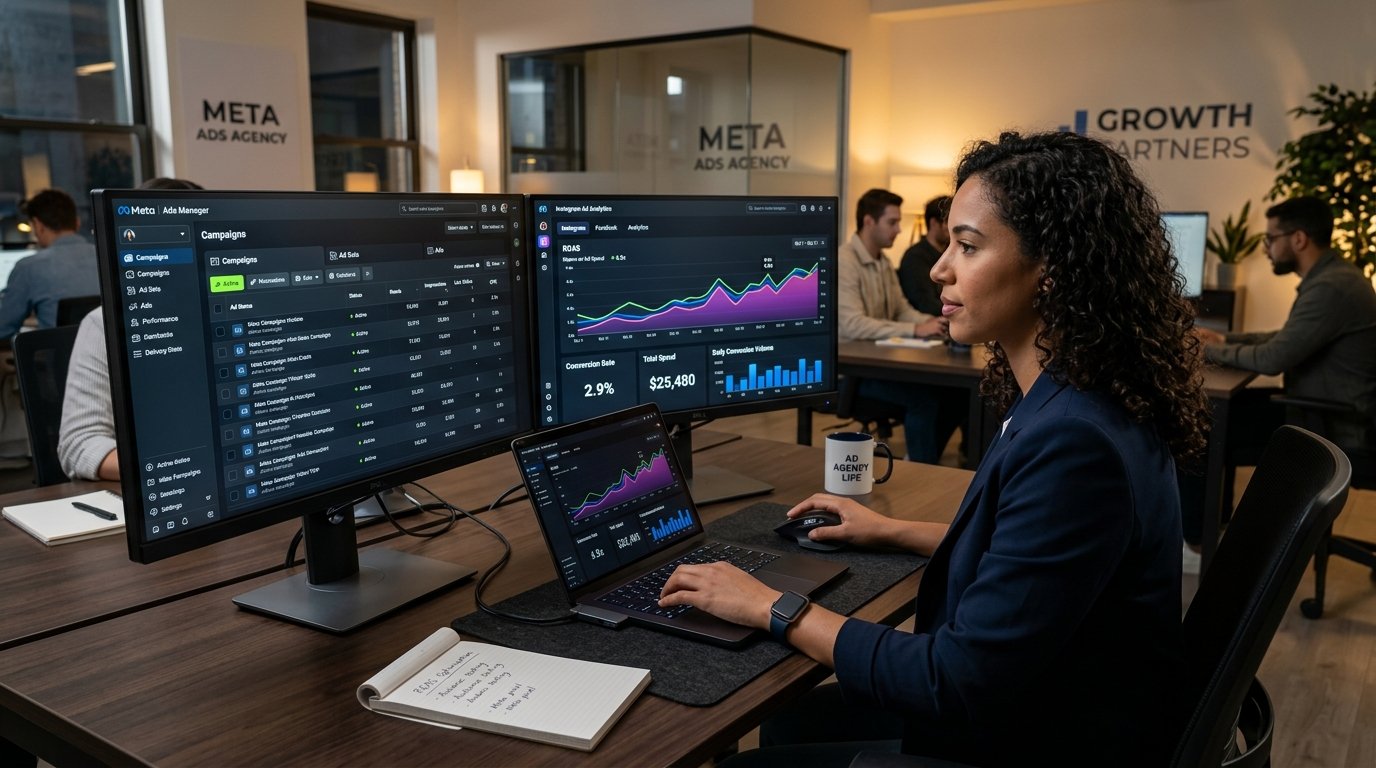
Meta Ads (Facebook & Instagram Advertising) remain one of the most powerful paid acquisition channels for e-commerce brands worldwide. However, launching ads without proper Business Manager configuration, conversion tracking, or Advantage+ campaign structure is the fastest way to burn through your ad budget. Here is the step-by-step master guide to set up and launch profitable Meta Ads.
Key Takeaways
- Configure Meta Business Suite, Ad Accounts, and payment profiles without triggering security locks or ad account bans.
- Implement Meta Pixel and Conversions API (CAPI) to track e-commerce purchase events with 100% data accuracy.
- Structure Advantage+ Shopping Campaigns (ASC) and dynamic creative testing frameworks to achieve 3x-5x ROAS.
1Business Manager & Domain Verification Blueprint
2Meta Pixel & Server-Side Conversions API (CAPI) Integration
3Campaign Architecture & Creative Scaling Framework
Pro Tip
Never edit an active, winning ad set directly! Any major edit resets Meta's machine learning phase. Duplicate the winning creative into a new scaling campaign or increase budget by no more than 15-20% every 48 hours to preserve high ROAS.
Frequently Asked Questions
Q:How much starting daily budget should I set for Meta Ads testing?
Start with $15 - $30 (approx. ₹1,200 - ₹2,500) per day per testing campaign. Give Meta's algorithm 3 to 5 days to complete learning before making scaling decisions.
Q:Why is Meta Conversions API (CAPI) mandatory now?
CAPI bypasses ad blockers, Safari ITP, and iOS privacy blocks by sending events directly from your web server, restoring lost attribution data and improving cost per acquisition.
Ecommerce Export Mentorship
Learn 1-on-1 how to launch a global brand from India, export handicrafts, set up international billing, and scale.
- 1-on-1 Screenshare Coaching
- Etsy & Shopify Audit Setup
- Custom Shipping Accounts
Verified By
Co-authored and verified by active exporters and digital marketing consultants at StorlyX Academy. We ensure all compliance checklists match local GST and customs rules.